
What does the FAMILY package mean?
FAMILY is the name of an Ad&Vi TV subscription package alongside Mini BASE, BASE and PREMIUM. It describes television access, not a health or medical service.
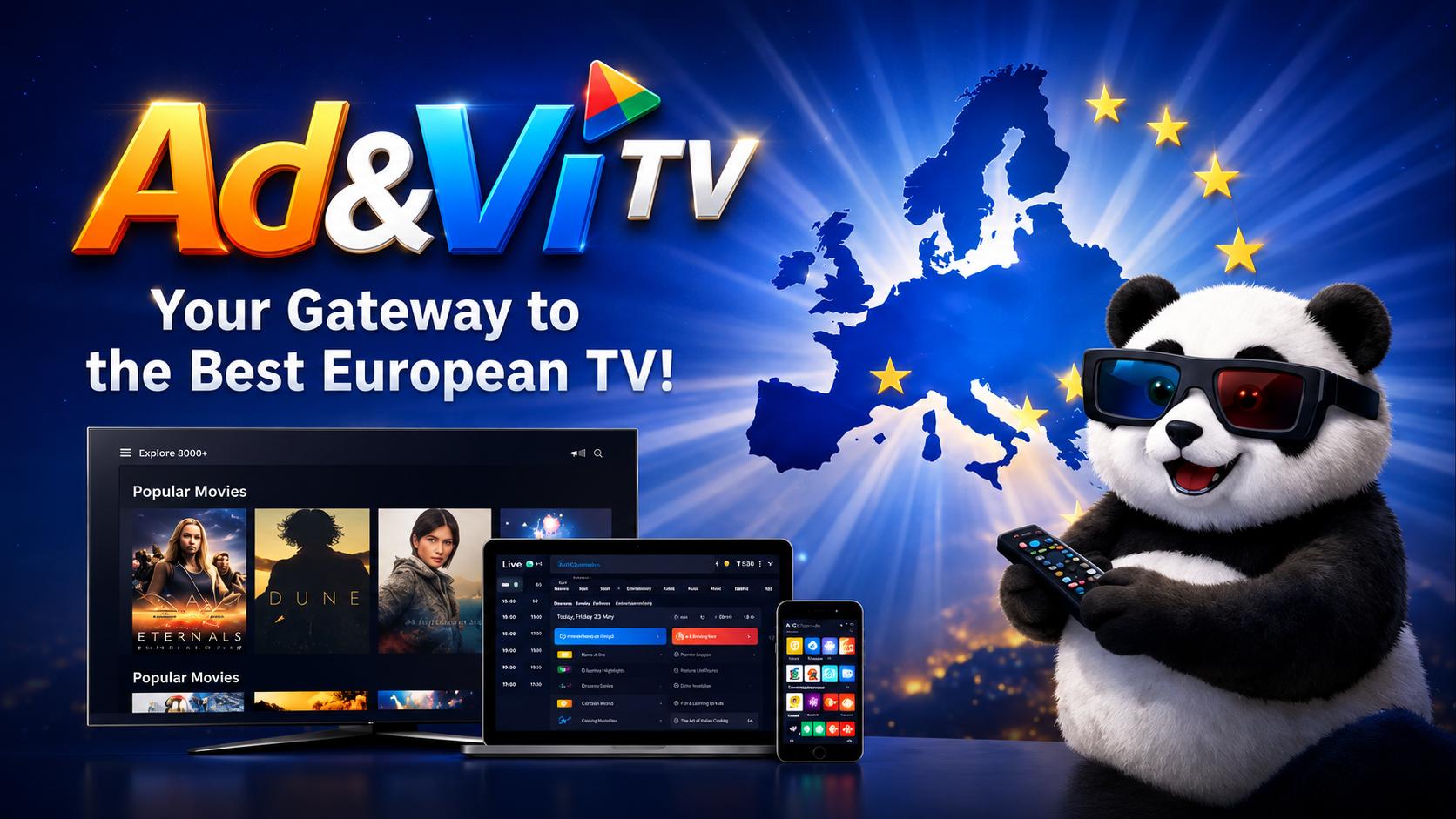
Useful answers about trial access, Player V2, the Android M6 app, devices and playback. This guide describes the current service rather than a draft or planned feature.
FAMILY is the name of an Ad&Vi TV subscription package alongside Mini BASE, BASE and PREMIUM. It describes television access, not a health or medical service.
Eligible new customers can receive a five-day FAMILY trial after registration. It ends automatically; installing an app does not activate paid access. Check the current trial and plan terms on the Packages page.
The Packages page lists the current price, number of channels, concurrent streams and connected devices for each plan. Extra country or theme packages are separate options.
Sign in and open Live TV in your browser. Select a channel included in your active trial or subscription. Programme guide information is available where supported.
Download AdVi-TV-Mobile.apk directly from the official Mobile page on this website. It is not currently distributed via Google Play. Check your Android install permission prompt carefully.
The dedicated iPhone and iPad app has not yet been released. On a supported browser, you can use the web service; device compatibility and content access may vary.
Your account's My TV area provides personal M3U/Xtream connection information where supported. A compatible external player can use that data, and EPG is configured separately.
Check mute and the audio-track selector. Audio codecs and tracks can be supported in VLC but not in a particular browser or phone. Compare the same channel in another supported player.
Test another channel and a stable connection first. For guide times, check the device time zone and refresh the EPG. Report the channel, device and time if the problem persists.
Use the Contact page and include the device, app version, channel and symptom. Never publish your password, private M3U/Xtream link or token.
Connection guides, OttPlayer setup, access checks and issue reports are collected in one subscriber-friendly place.
A free IPTV service and app where subscribers can add an Ad&Vi TV playlist, combine several playlists and synchronize viewing across Smart TV, Android, iOS and media players.
Fast living-room setup through QR, portal URL or playlist link.
Best option for Chromecast, Xiaomi Box, Nvidia Shield and Google TV televisions.
A convenient way to watch your playlist on Apple mobile devices.
Useful for first diagnostics and channel verification on a computer.